
Virtual staging: show the idea and label the edit
Present a furnished concept alongside the original room, with a clear virtual-staging label.

Original photo
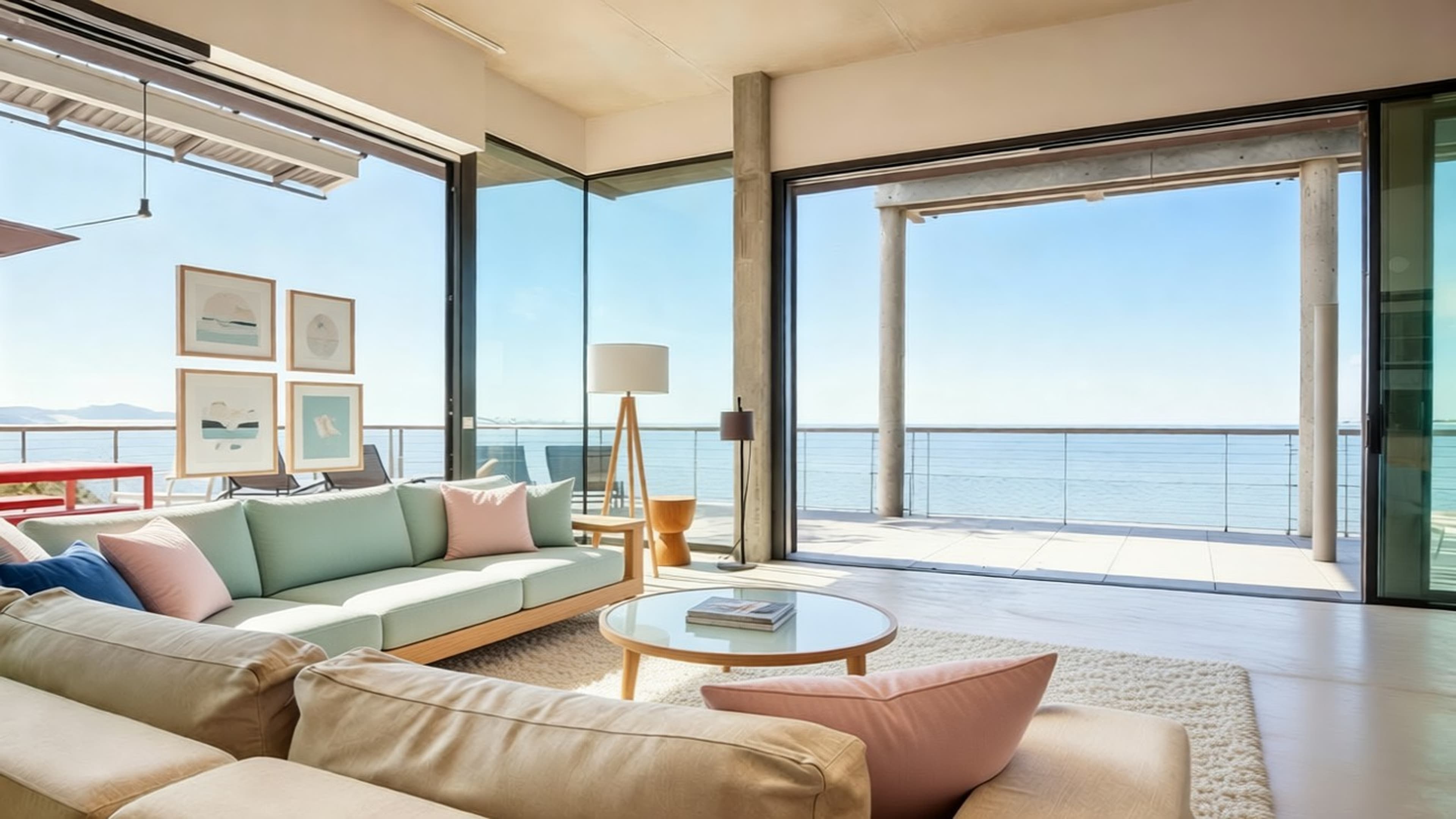
Edited example
What does virtual staging show?
PropertyAI can propose furniture and decoration for a room. The generated furniture is a visual concept, not an inventory of what is included with the property.
Present both versions
Keep the original image and label the edited version “Virtually staged — furniture added digitally”. Use the same framing so viewers can compare the room. The demonstration below is an existing product example, not a verified sale outcome or customer endorsement.
Review before publishing
Check doors, windows, wall positions and floor boundaries against the original. Generated content can change details: if the room's permanent features are altered, choose another result or keep the original.
Ask the publication channel about its current image requirements. This workflow is an editorial recommendation, not a statement that a label alone satisfies every local rule.
Keep expectations clear
Processing time varies from seconds to several minutes. No generated image establishes a property's measurements, condition or value. Do not promise a faster sale or a higher sale price from a staged image.